

Sklep online
Rezerwacje
Wydarzenia
Wyskakujące okienko

Code Canvas
Stworzone przez
Turn HTML and CSS into editable sections
Brak recenzji
Dostępny darmowy plan

Przegląd Code Canvas
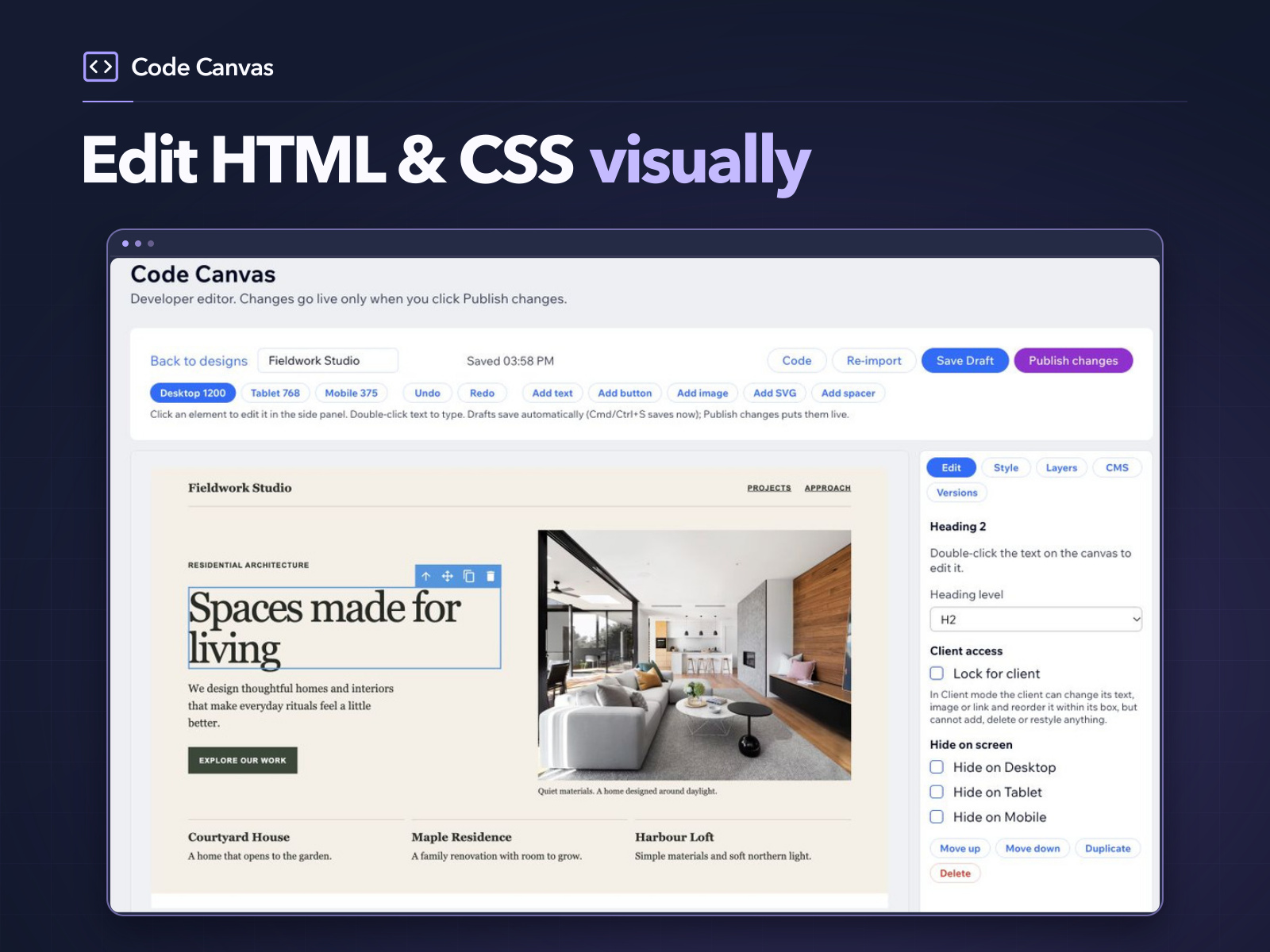
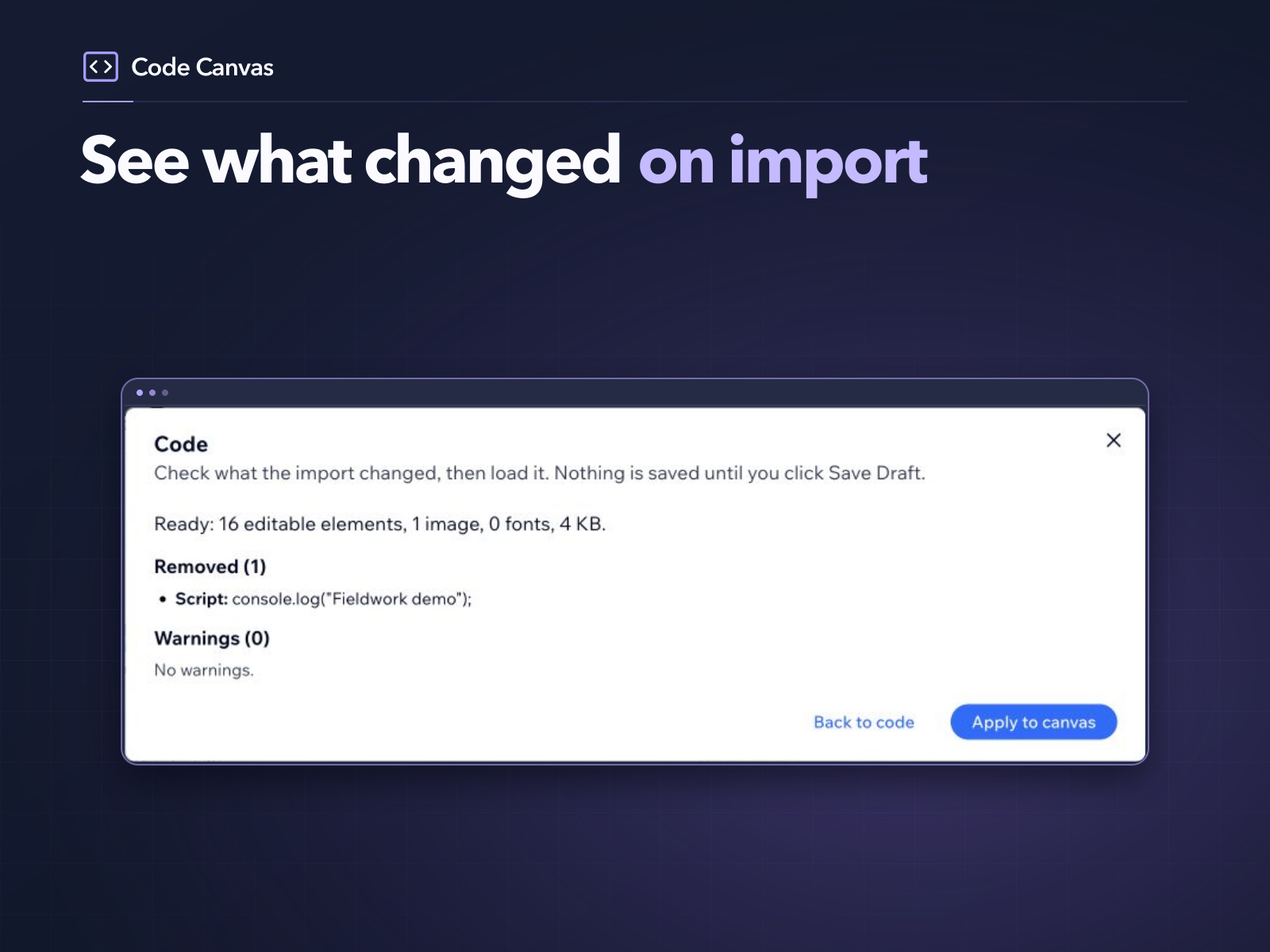
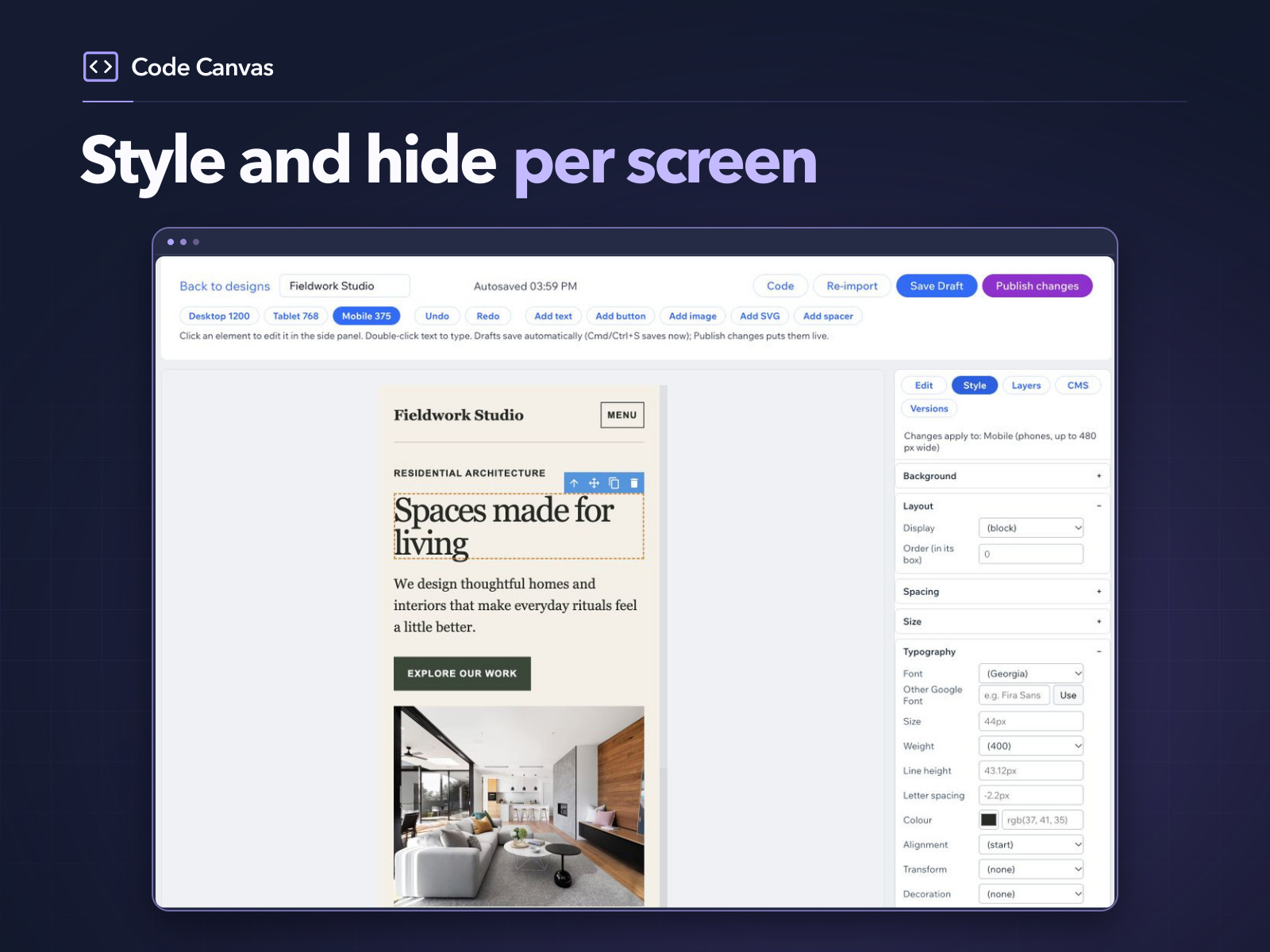
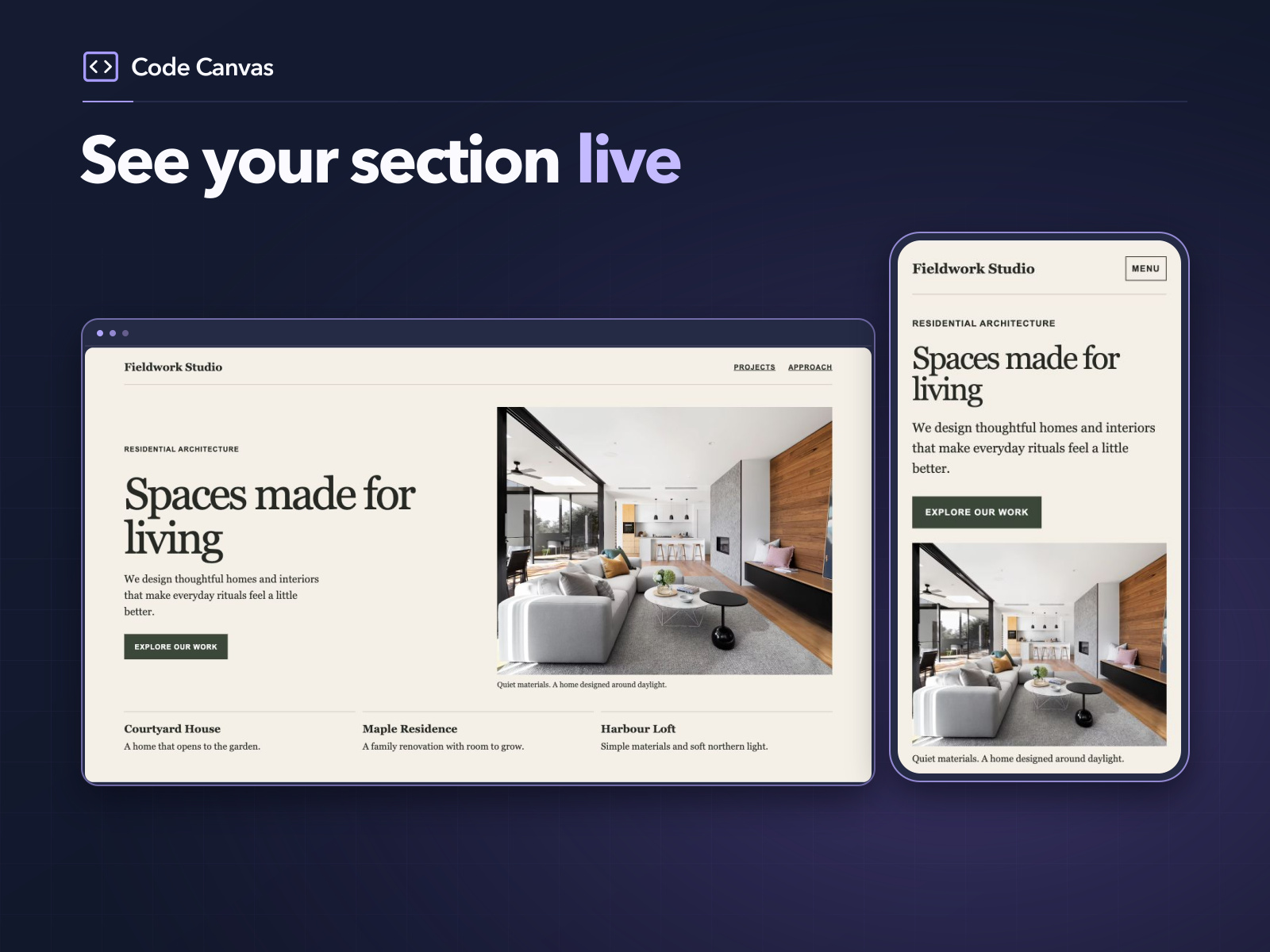
- Import HTML and CSS, edit visually and preview desktop, tablet and mobile
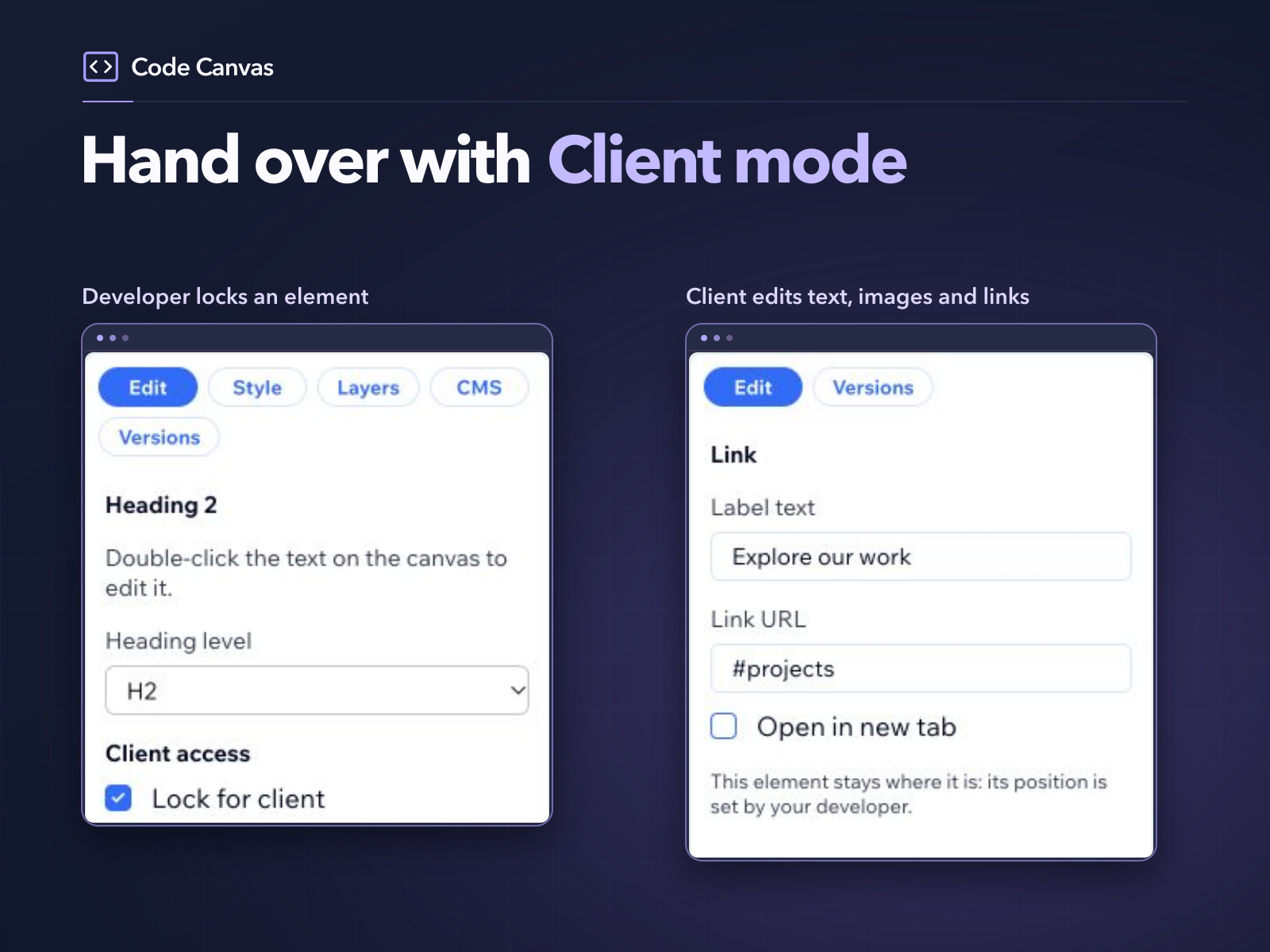
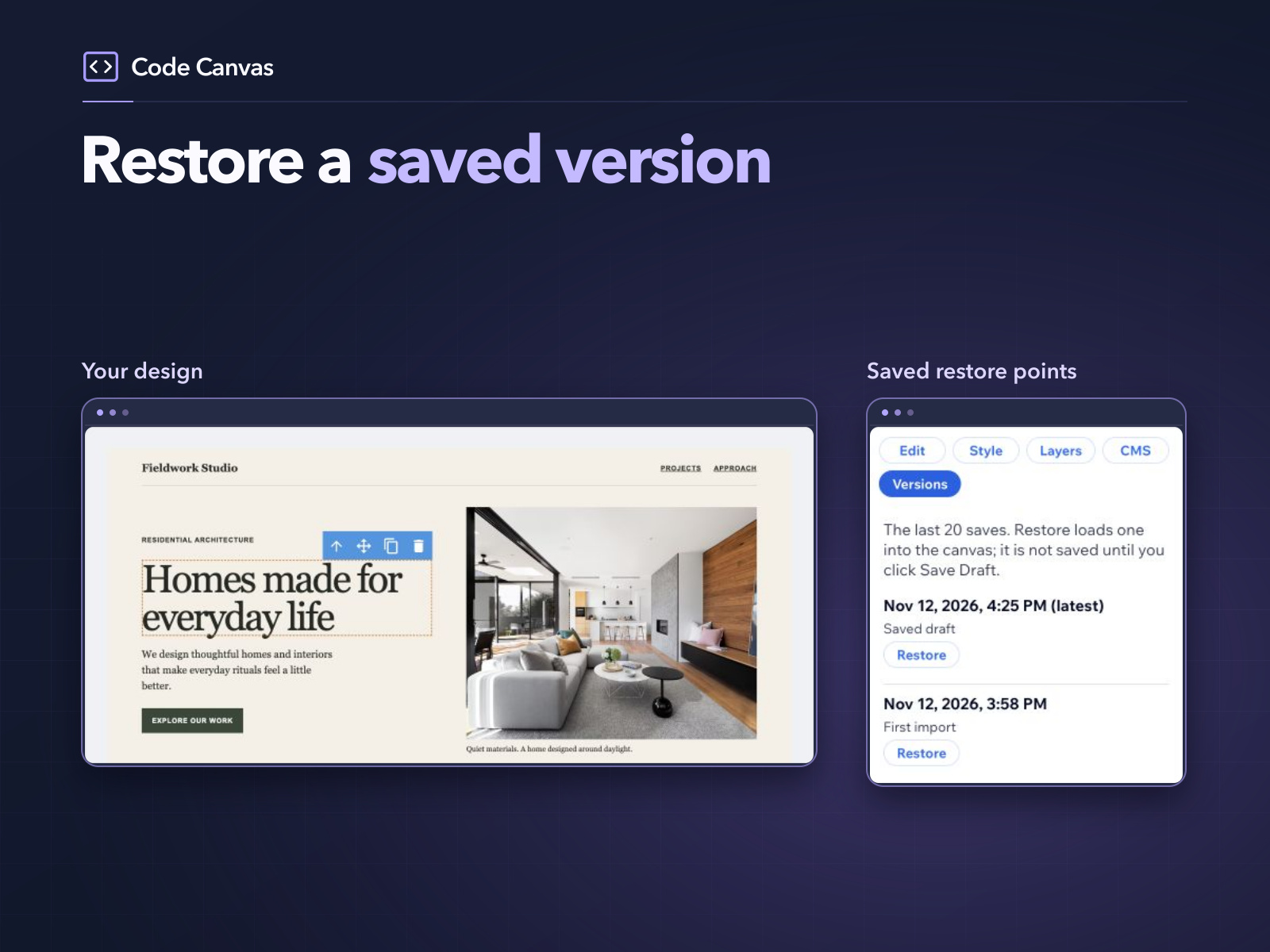
- Lock elements in Client mode and restore saved versions with Pro
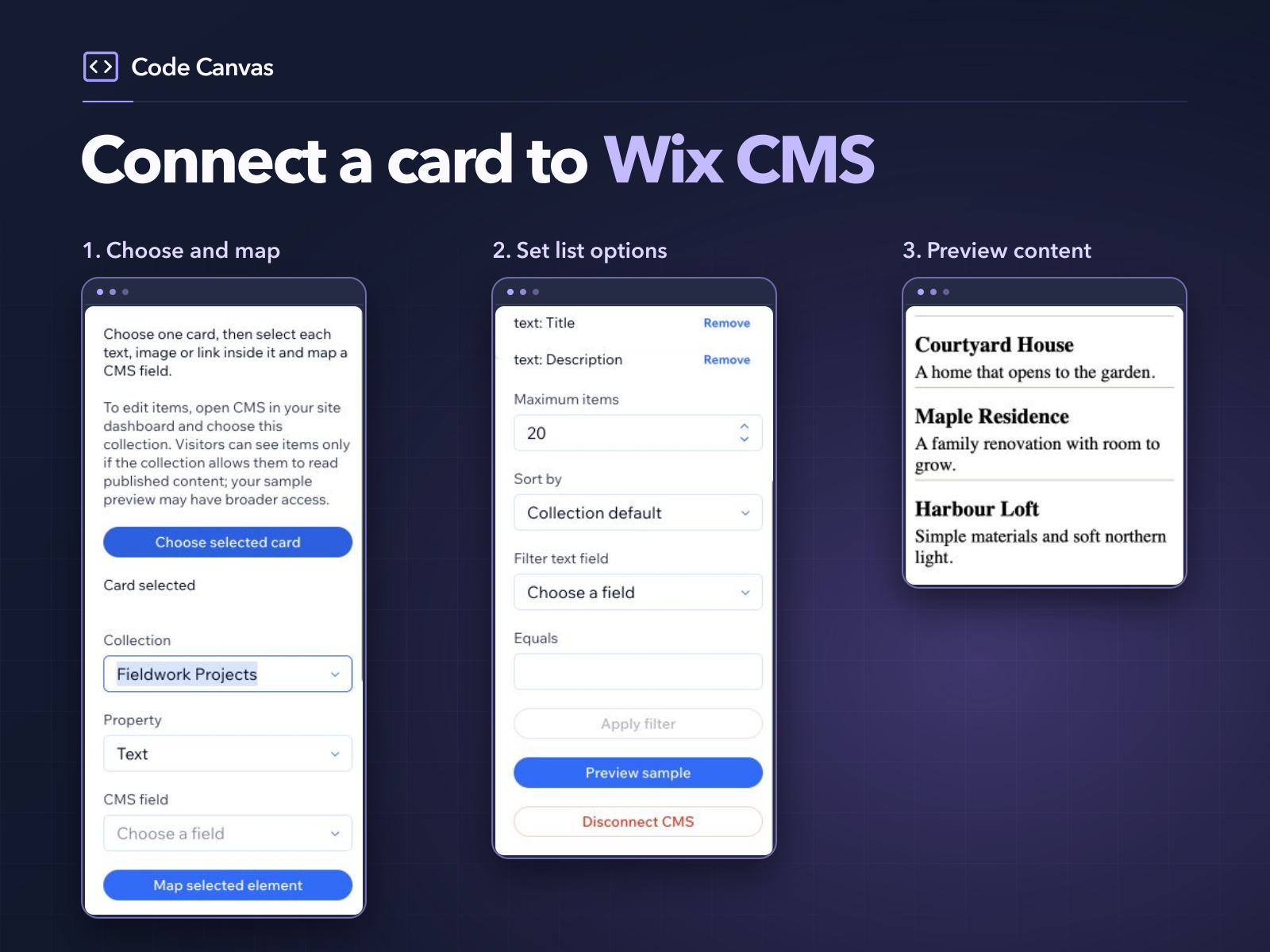
- Add search, filters and paging to CMS card lists with Pro
- Use Velo site code to change content and listen for clicks with Pro
Oceny i recenzje
Ta aplikacja nie otrzymała jeszcze żadnych recenzji, bądź pierwszą osobą, która ją oceni.Ceny i plany
Plan Basic
Darmowe
Visual HTML/CSS editing
Desktop, tablet and mobile preview
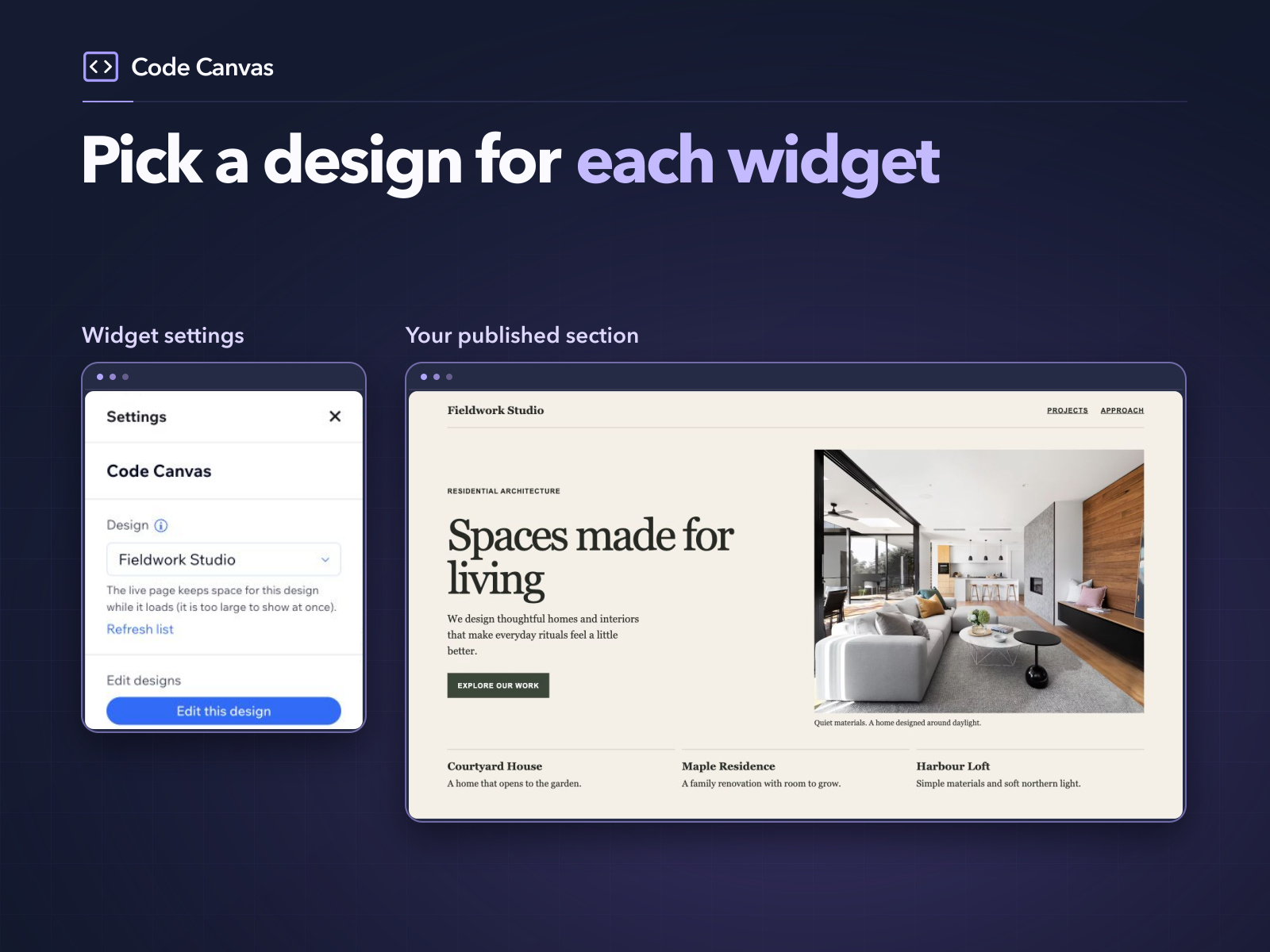
One published design per site
Plan Pro
$
4
92
/miesiąc
Unlimited published designs
Client mode and element locks
Wix CMS connections
Version history
* Cena jest podana w USD.